Enabling Microsoft Defender on a single machine
To enable Microsoft Defender on an individual device, follow these steps:
-
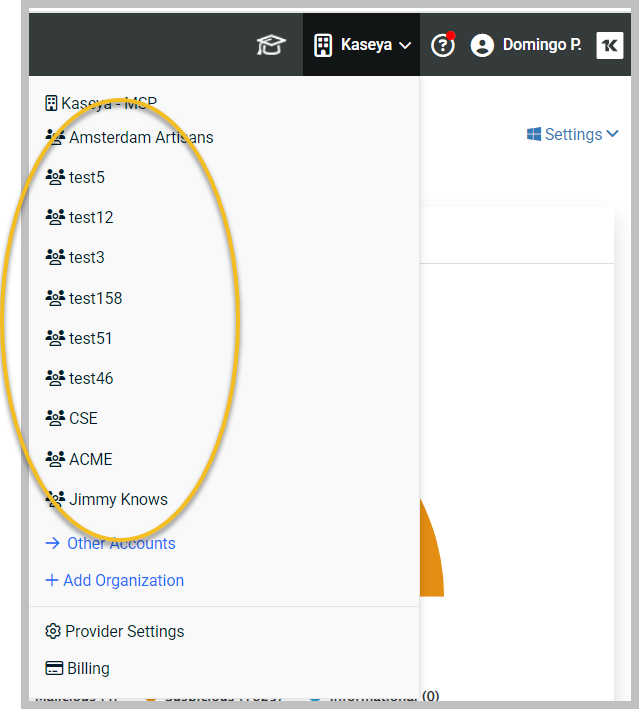
In RocketCyber, switch context to the desired organization.
-
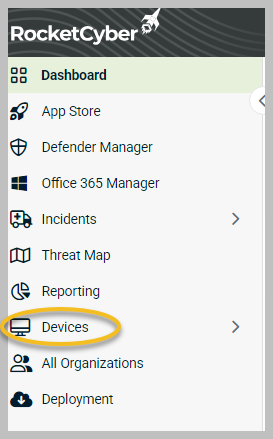
In the left menu, click Devices.
-
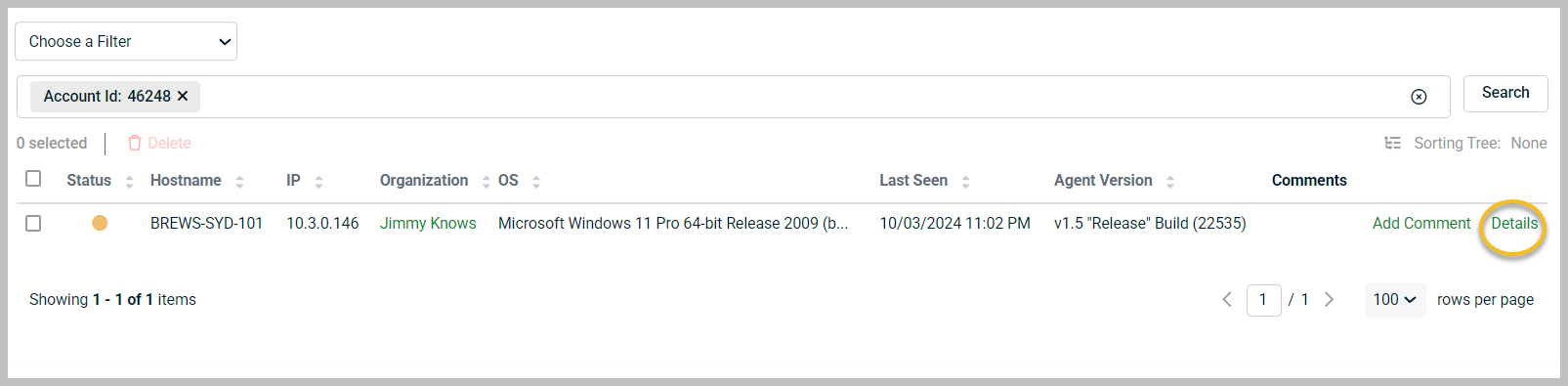
Click Details on the far right.
-
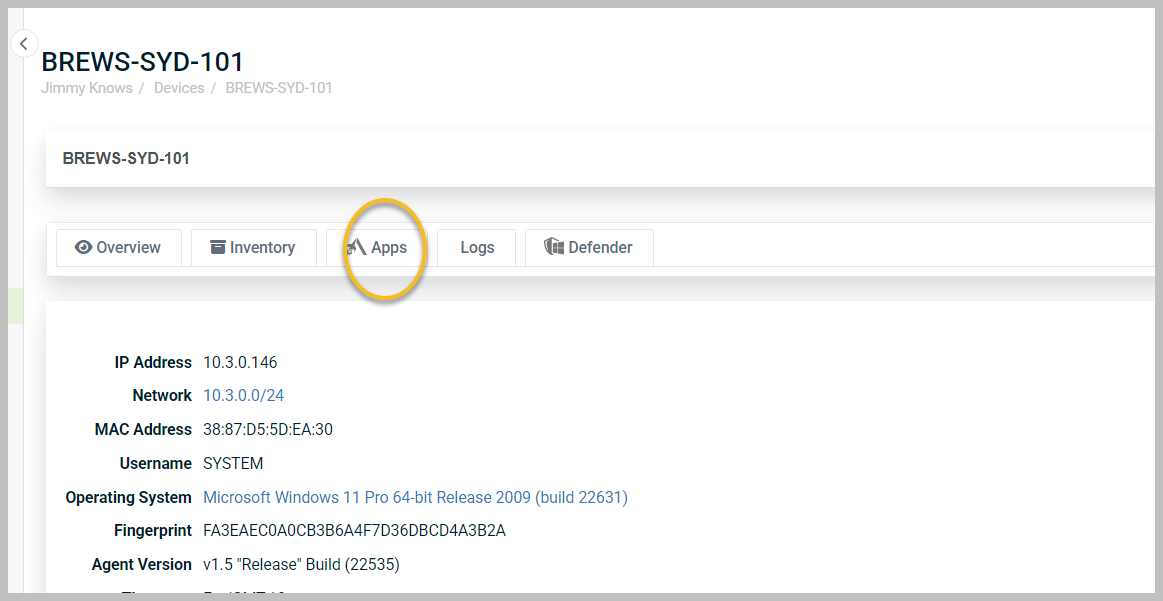
Next, click the Apps.
-
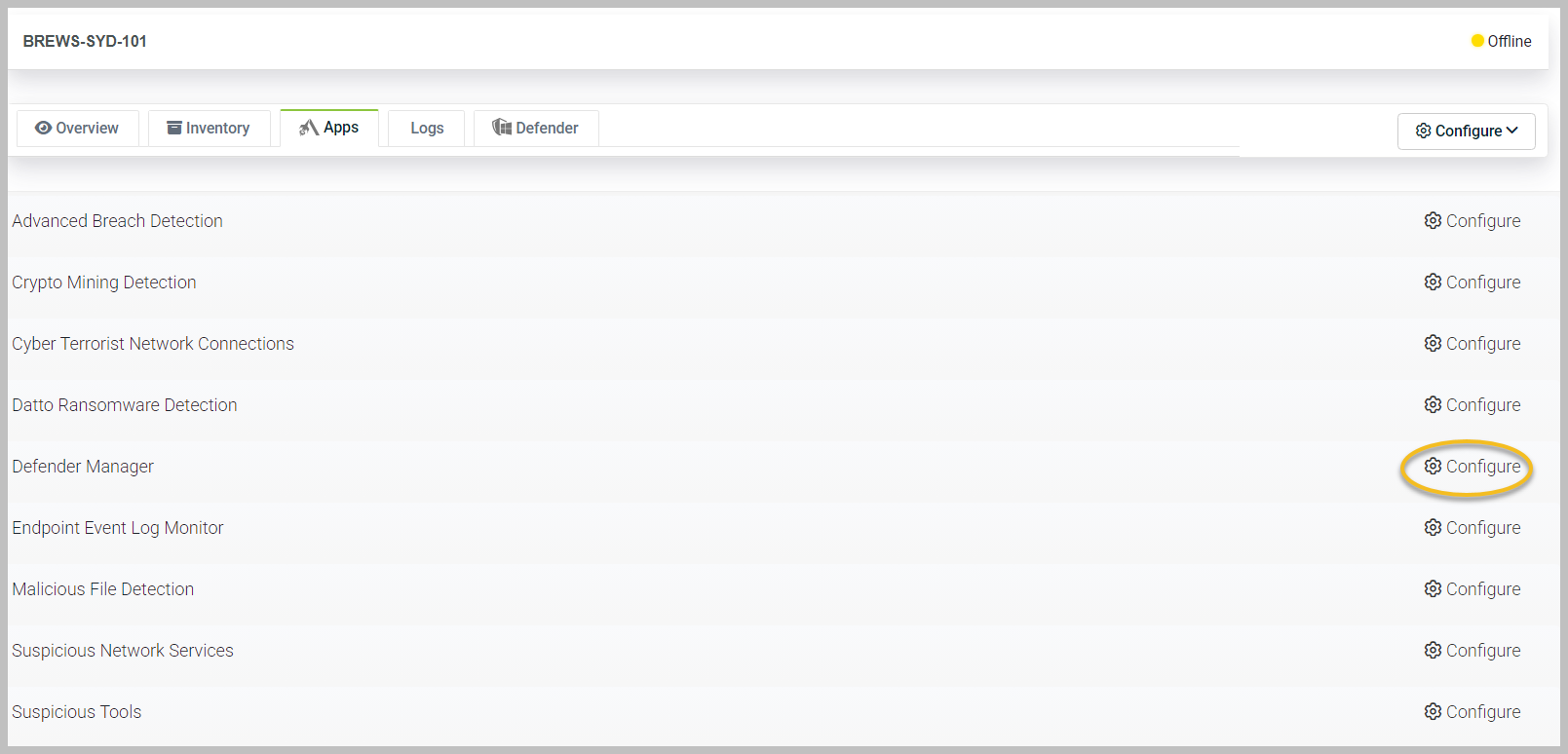
Scroll down until you see Defender Manager.
-
Click Configure.
-
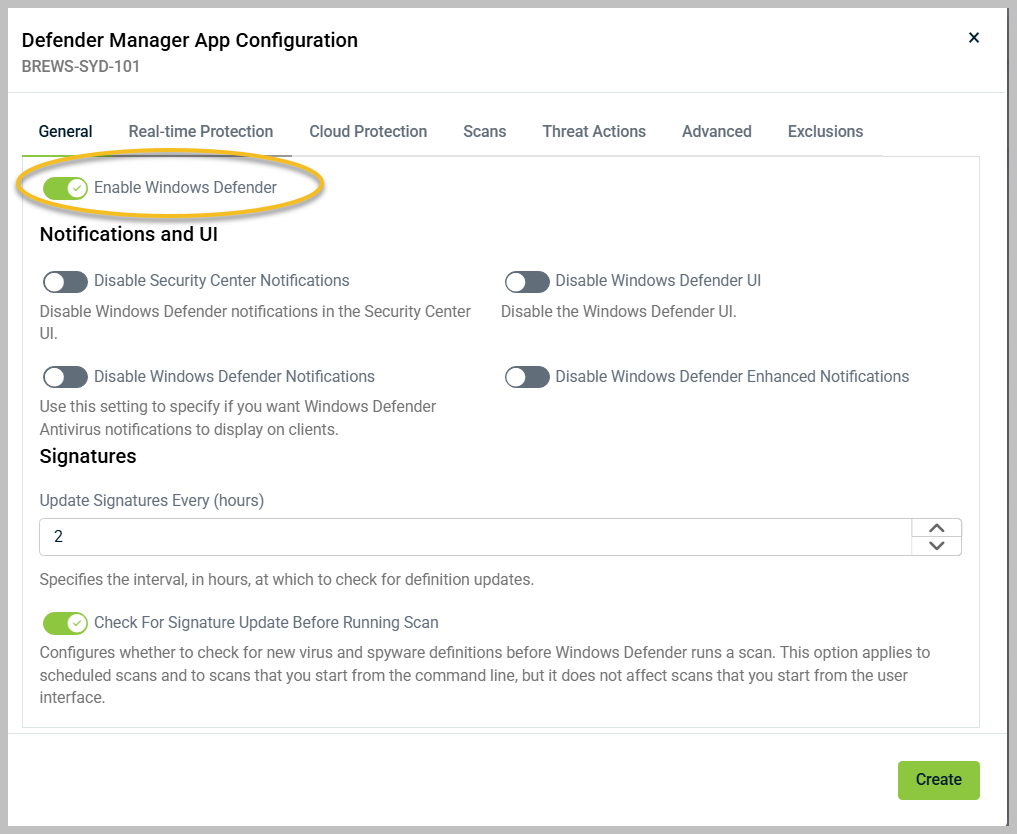
Turn on the Enable Windows Defender toggle so it is green and make any other adjustments to the settings for this particular device.
-
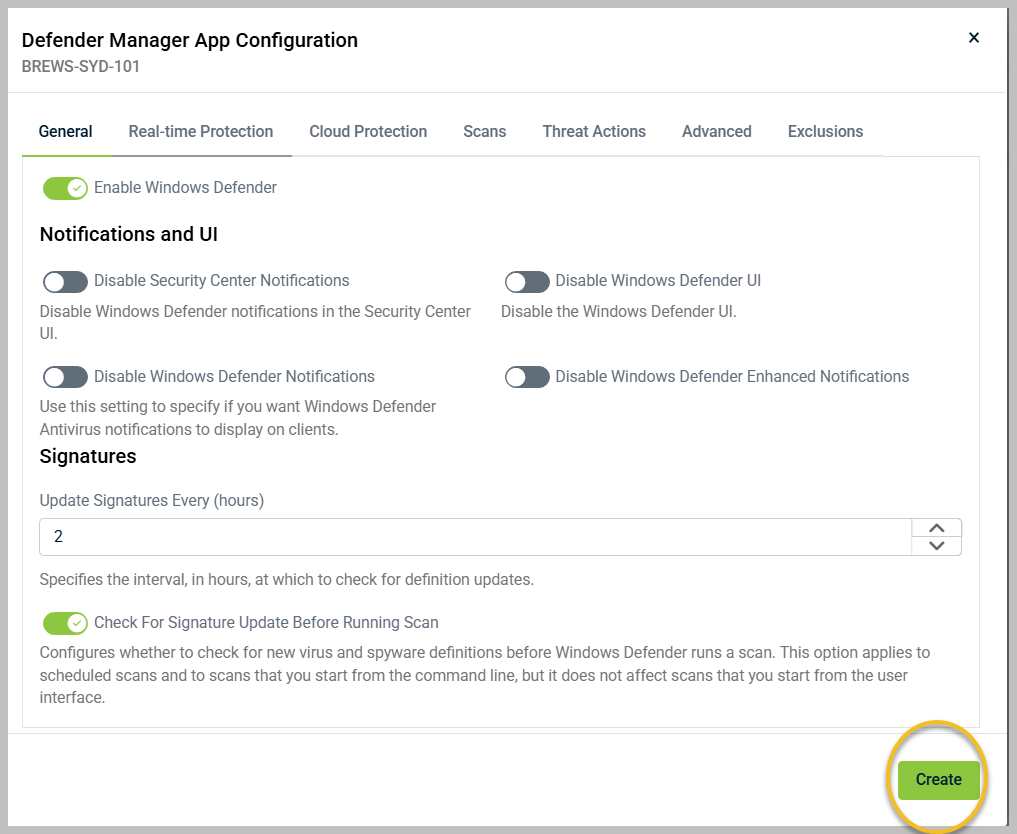
When finished, click Create or Update on the lower-right corner of the configuration dialog.
-
A success confirmation message will be displayed in the lower-right corner. Defender is now configured for operation on the device.