Configuring Cisco Secure Firewall Management Center
Overview
Use this guide if you manage multiple FTD devices or need centralized policy control and enterprise-scale logging. Cisco Secure Firewall Management Center provides centralized management for Cisco Secure Firewall deployments.
Use FMC when:
-
You manage many FTD devices.
-
You require centralized management, policy enforcement, and enterprise logging.
If you only manage a single device, refer to Configuring Cisco Firepower Device Manager (FDM).
Configuration steps
Enable audit logs to Syslog
-
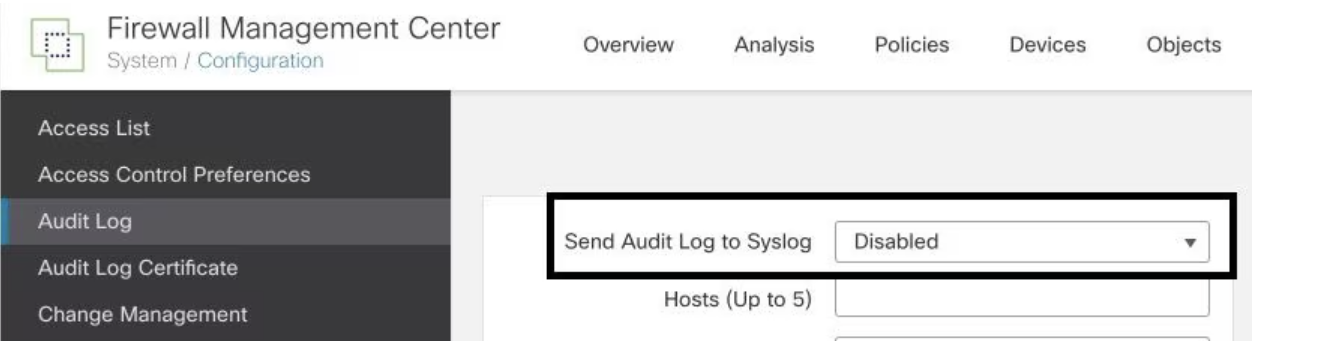
To enable the Firewall Management Center to send audit logs to a Syslog server, navigate to System > Configuration > Audit Log > Send Audit Log to Syslog > Enabled. The image below illustrates how to activate the Send Audit Log to Syslog feature:
Configure Syslog information
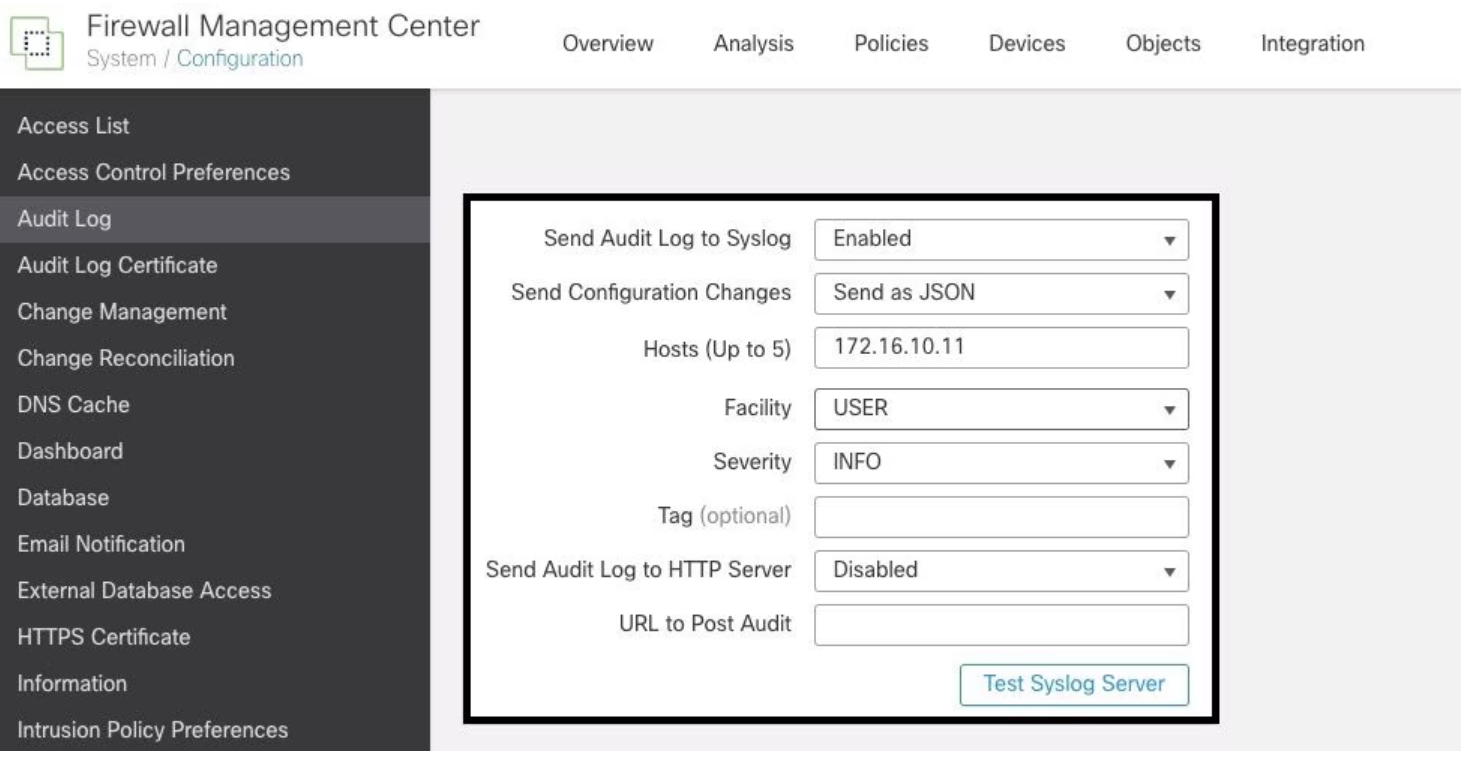
Once the service is enabled, you can configure the syslog information. To do so, navigate to System > Configuration > Audit Log. Depending on your requirements, select the options for Send Configuration Changes, Hosts, Facility, and Severity. The image below shows the parameters needed to configure the Syslog Server for Audit Logs:
Verify configuration
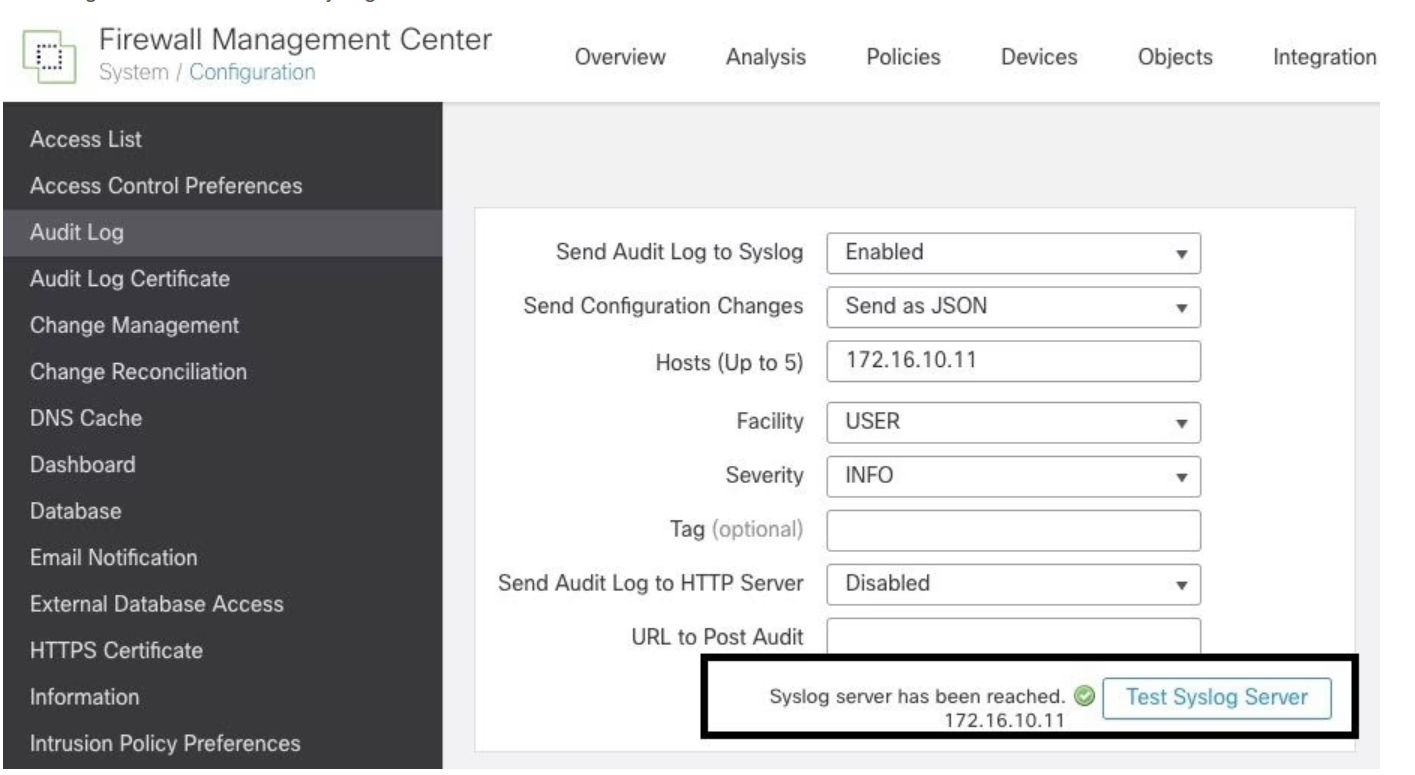
To confirm that the parameters are set correctly, go to System > Configuration > Audit Log > Test Syslog Server.
The image below shows a successful Syslog Server Test:
Another method to verify that Syslog is functioning correctly is to check the Syslog interface to ensure that the audit logs are being received.
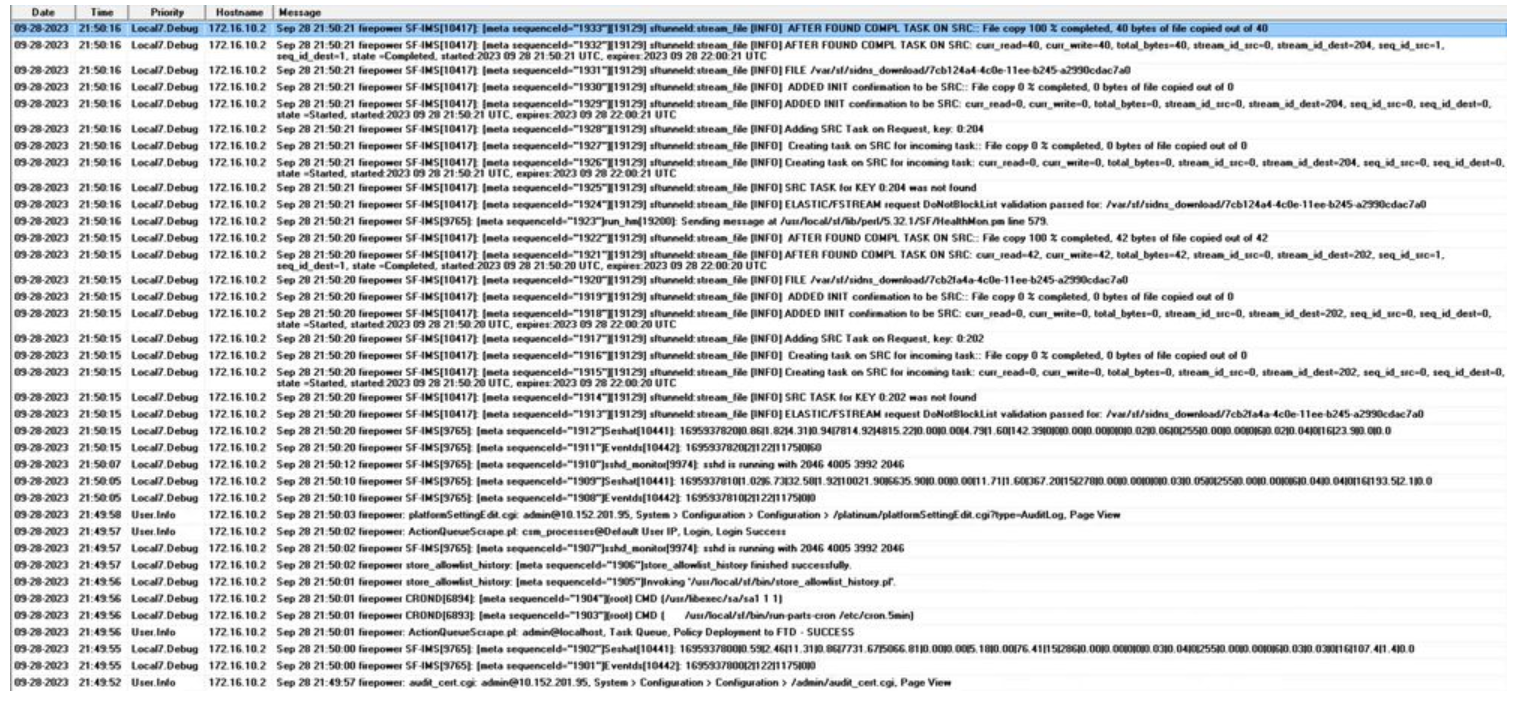
The image below displays examples of the audit logs received by the Syslog Server:
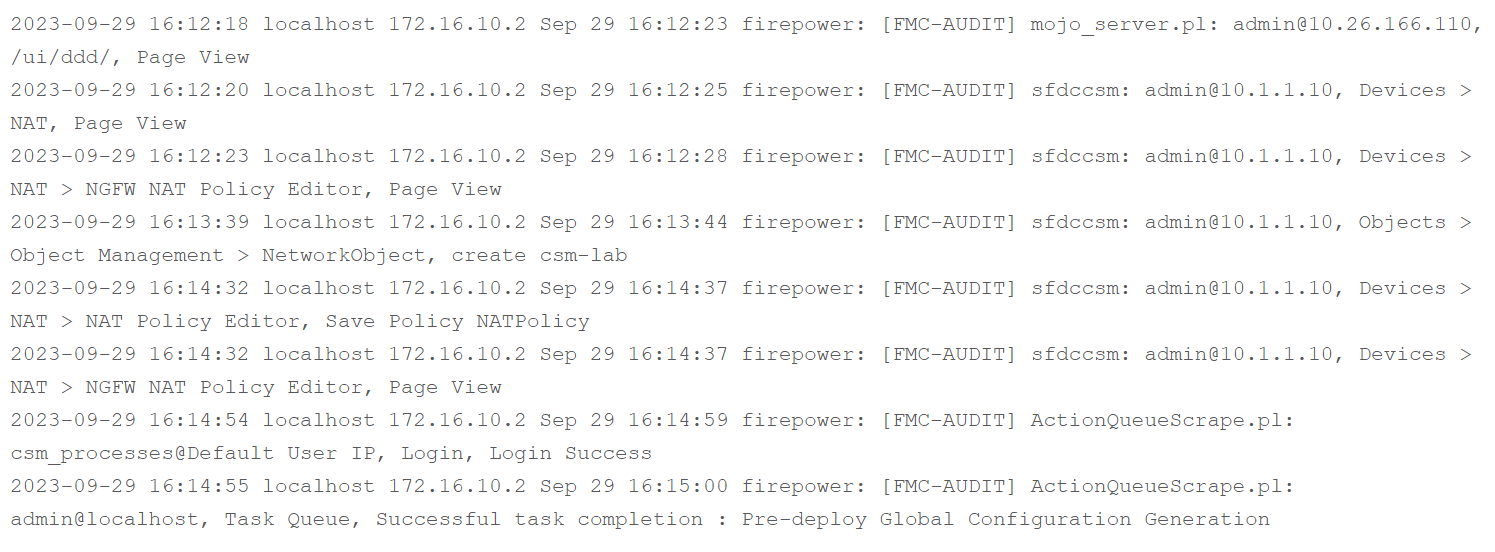
Here are some examples of the configuration changes you might receive in your Syslog server:
Troubleshooting
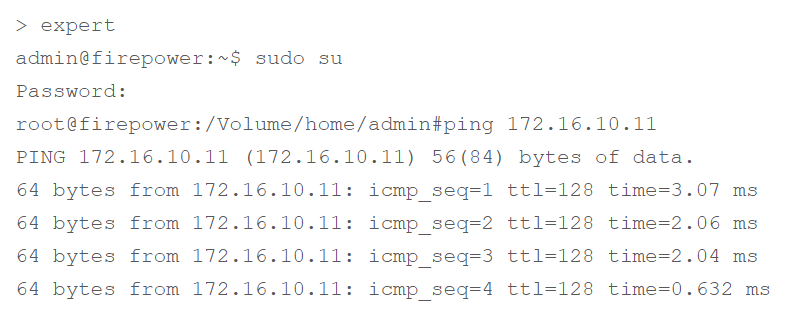
After applying the configuration, ensure that the FMC can communicate with the Syslog server. The system uses ICMP/ARP and TCP SYN packets to verify that the Syslog server is reachable. By default, Syslog streams audit logs over UDP port 514 and TCP port 1470 if the channel is secured.
To capture packets on FMC, use the following command:
-
tcpdump. This command captures the traffic on the network

Additionally, to test ICMP reachability, use this command:
-
ping. This command helps to verify if a device is reachable and provides information on the connection's latency.